 Start a project
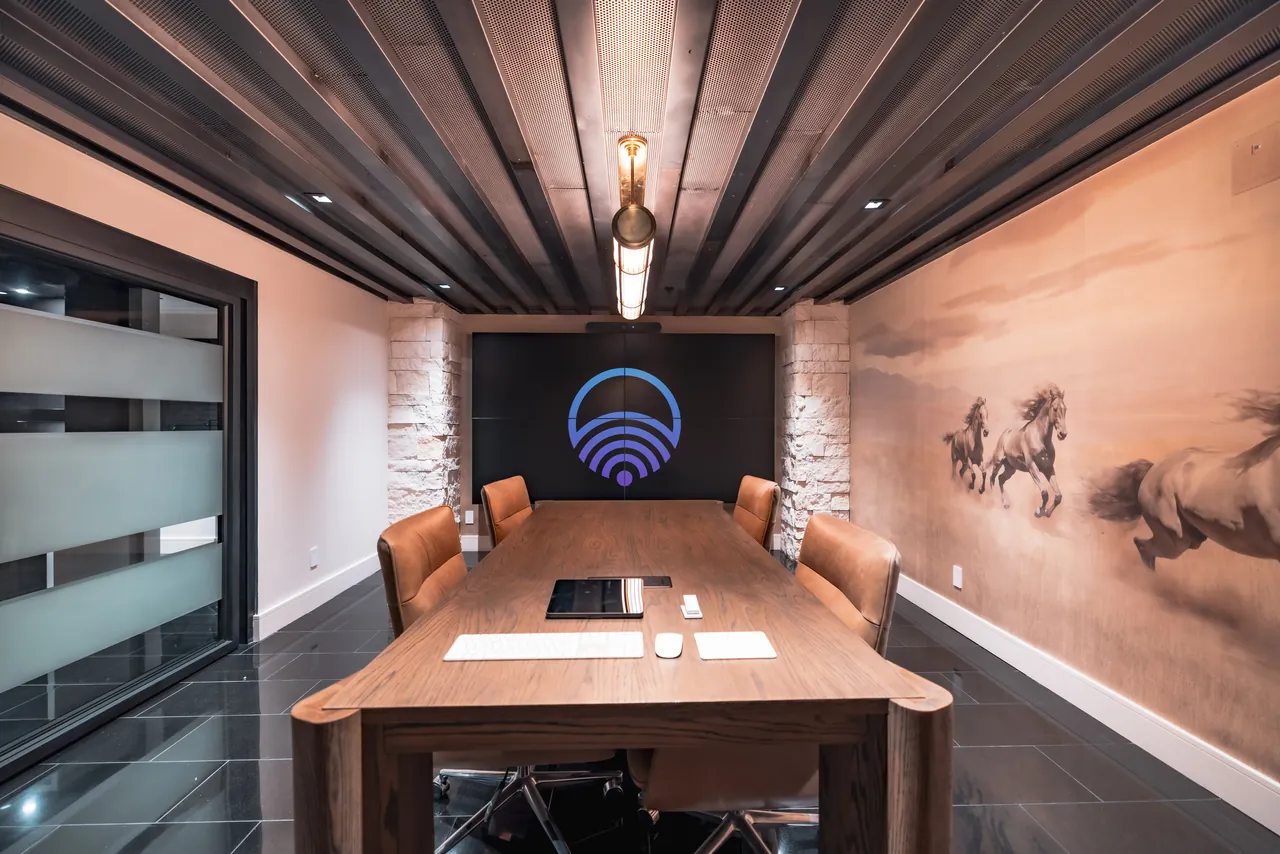
Conference
room AV.
Users do not evaluate a meeting room on its specification. They evaluate it on whether the meeting starts on time. Conference room AV for Salt Lake City offices is a workflow problem that happens to involve equipment.
Interactive
Seat count drives microphone coverage and camera framing more than room area does. Pick a room type.
A huddle room for two or three people, a boardroom for sixteen and a training space are three different designs, not one design at three sizes. Seat count drives microphone coverage and camera framing more than room area does.
The other decision is whether rooms run a dedicated system or support bring-your-own-device. Dedicated rooms are more consistent and easier to support. BYOD is more flexible for guests. Many offices need both, in different rooms.
Hard surfaces, glass walls and parallel surfaces produce reflections that make remote participants hear an echo and make speech harder to follow. No microphone fixes a reflective room, because by the time the microphone hears the reflection it is part of the signal.
Ceiling arrays keep the table clear and give consistent coverage but depend on the room being reasonably treated. Table microphones are closer to each talker and more forgiving acoustically, but they occupy the table and get moved.
Display size follows viewing distance and content type. A spreadsheet at the far end of a boardroom needs more than a presentation does.
Video walls suit rooms where the image has to be genuinely large or where the format does not fit a single panel. Where a single large display does the job, it is simpler to install, simpler to service and usually the better answer.
A room that requires choosing an input, waking a display and finding a call is a room people avoid. One press should wake the displays, select the source, set the lighting, drop the shades if glare requires it and join the scheduled call.
Platform compatibility and licensing are verified for the platforms you actually run rather than promised universally.
Acceptance testing with a genuinely remote participant, every source tested including a guest laptop, and control operated by someone who has never used the room. Then documentation, staff training and an agreed route when something stops working.
Where there are several rooms, specifying them to a common standard pays for itself: staff can use any room and support becomes one problem rather than several.
Common questions
Often yes, and the detail matters. Some configurations run one platform natively and join others through a connected laptop; others support both natively. We confirm what is supported for the platforms you actually use, with their current licensing requirements, rather than promising universal compatibility.
Frequently. Displays and cameras often have useful life left even when the room does not work, because the problem is usually acoustics, microphone placement or control rather than the hardware. An assessment establishes what is worth keeping.
Room dimensions, seat count, table shape, what is on the walls and ceiling, the meeting platform you run, and what is already installed. Photographs help a great deal. For several rooms, whether you want them specified to a common standard.
Serving Salt Lake City and the Wasatch Front, with projects in Park City, Provo and St. George. Coverage elsewhere in Utah is confirmed per project. Commercial systems · All services
Next step
Tell us how many rooms and their seating, which meeting platform you run, and what equipment is already installed.